Tesla Powerwall 2 Specs: Full Technical Breakdown
Tesla Powerwall 2 Specs: Full Technical Breakdown
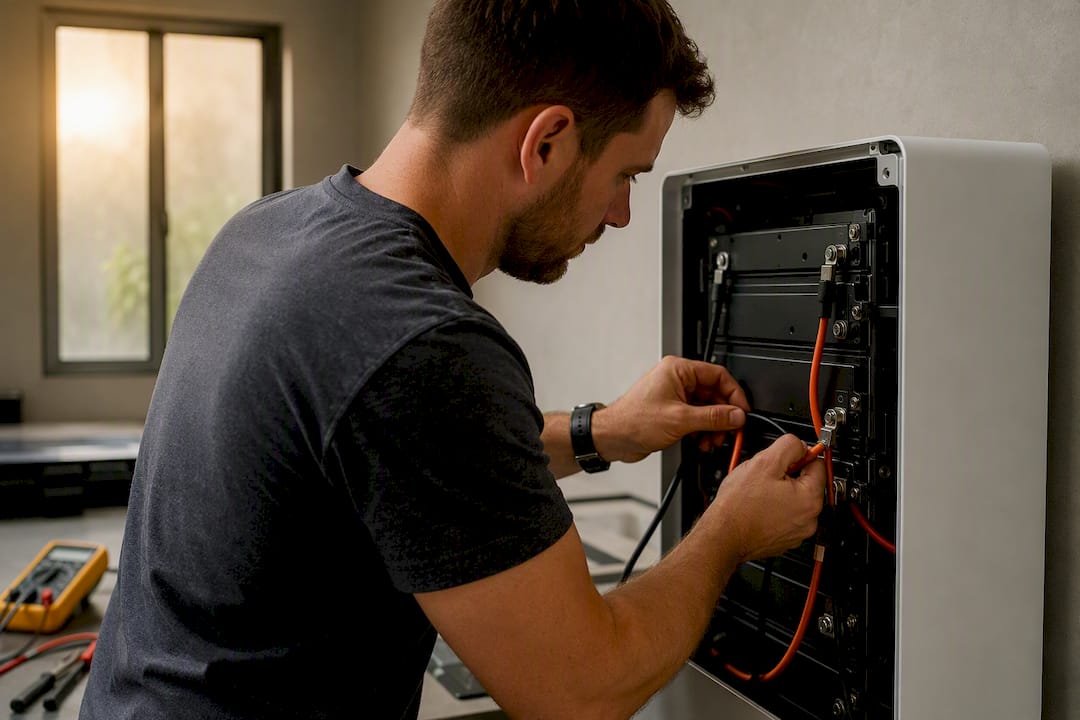
The Tesla Powerwall 2 delivers 13.5 kWh of usable storage with roughly 90% round-trip efficiency, backed by 5 kW of continuous output and a short-burst peak near 7 kW. That combination makes it a strong fit for solar self-consumption and essential-circuit backup during an outage. It’s not built to run a whole house, including central air conditioning, on high-draw days from a single unit.
Here’s what that means on the ground. A Powerwall 2 wall-mounts at about 251 pounds, ships with an integrated battery inverter, and pairs with a separate solar inverter rather than doing double duty itself. That AC-coupled design is exactly why so many homeowners retrofit it onto systems that already have inverters installed.
- Usable capacity: 13.5 kWh
- Round-trip efficiency: approximately 90%
- Continuous power: 5 kW
- Peak power (10 seconds): 7 kW
- Weight: approximately 114 kg (251.3 lb)
Quick take: if your goal is running the refrigerator, Wi-Fi, and a few circuits through a blackout, or shifting solar production into evening hours, one Powerwall 2 usually covers it. If you’re trying to keep the whole panel alive during a heat wave with the AC running, plan on stacking units or looking at higher-power alternatives.
Key Takeaways
| Point | Details |
|---|---|
| Usable capacity | 13.5 kWh usable, drawn from a 14 kWh total pack, with about 90% round-trip efficiency. |
| Power ceiling matters more than capacity | 5 kW continuous and 7 kW peak (10 seconds) determine which appliances run, not the kWh number. |
| Physical footprint | Dimensions of 1150 × 753 × 147 mm and roughly 114 kg require structural wall mounting or a floor-mount alternative. |
| Architecture affects retrofits | AC-coupled design needs a separate solar inverter, which simplifies adding storage to existing PV systems. |
| Check for the 2026 recall | Certain Powerwall 2 AC battery power systems are subject to a CPSC recall notice; verify your serial number before relying on backup power. |
| PW2 vs PW3 comes down to power | Usable capacity is identical, but Powerwall 3’s roughly 11.5 kW continuous output outpaces PW2’s 5 kW for whole-home needs. |
Table of Contents
- Powerwall 2 Specs Installers and Homeowners Actually Check
- What the Power Ratings Mean for Your Actual Appliances
- Powerwall 2 Dimensions, Weight, and Where It Can Go
- What an Installer Checks Before Mounting a Powerwall 2
- Certifications, Testing, and the 2026 Recall You Should Know About
- Powerwall 2 vs Powerwall 3: What Actually Changed
- How to Size a Powerwall for Your Actual House
- What an In-House Installer Actually Checks On-Site
- Why Spec Sheets Alone Don’t Tell the Whole Story
- Frequently Asked Questions
- Sources
Powerwall 2 Specs Installers and Homeowners Actually Check
Every spec on the Powerwall 2 datasheet exists for a reason, and most of them matter more at permit time than they do in a sales brochure. Here’s the full breakdown, pulled straight from Tesla’s own documentation.
Energy and efficiency
The unit stores 14 kWh total, but 13.5 kWh is usable after the system reserves a margin to protect the battery from full depletion. That 10% loss happens through the DC-to-AC-to-DC conversion process and normal resistance in the cells, not through any single flaw in the design.
Power output
This is where buyers get tripped up, because “power” and “energy” aren’t the same thing, and the Powerwall 2’s numbers reflect a deliberate trade-off.
| Spec | Value |
|---|---|
| Real power, continuous | 5 kW |
| Real power, peak (10 seconds) | 7 kW |
| Apparent power (continuous) | Up to 5.8 kVA on some units |
| Nominal AC voltage | 120/240 V split-phase |
| Grid frequency | 60 Hz |
| Power factor range | adjustable power factor range |
The continuous power ceiling of 5 kW is the number that matters for sustained loads, while the 7 kW peak rating exists specifically to handle the brief surge that motors draw when they start up. Some later production runs and region-specific models list apparent power as high as 5.8 kVA rather than the standard figure, so checking the unit’s part number and sticker before finalizing a design isn’t optional busywork. It’s how you avoid an undersized breaker or a system that can’t start the well pump it was sized to run.
Connection and protection ratings
- Nominal frequency: 60 Hz, matching standard grid requirements.
- Max continuous output current: rated per phase, sized to the 5 kW continuous output at 120/240 V.
- Connection type: split-phase, allowing backup power to both legs of a standard residential panel.
- Overcurrent and surge protection: handled through the required Backup Gateway and associated breakers sized to the installer’s load calculation.
- Reconnection to grid: automatic within a defined voltage and frequency window once utility power stabilizes.
None of these numbers are marketing flourishes. Every one shows up on a permit application, and every one determines whether your installer specs a 30-amp breaker or a 40-amp one. If you’re comparing quotes, ask whether the proposed design accounts for real power or apparent power. Those two figures aren’t interchangeable, and a sloppy estimate can leave you with a battery that trips under load it was supposedly rated to handle.
What the Power Ratings Mean for Your Actual Appliances
Numbers on a spec sheet only matter once you translate them into “will my stuff turn on.” Here’s how the Powerwall 2’s ratings play out against real household loads.
- Refrigerators, lighting, Wi-Fi routers, and most electronics run comfortably within the 5 kW continuous budget, often using well under half of it at any given moment.
- Well pumps, garage door openers, and other motor-driven equipment rely on that 7 kW, 10-second peak rating to handle the locked-rotor amperage spike at startup, then settle back into a lower continuous draw.
- Central air conditioning is the appliance that breaks the math for a single unit. A typical 3 to 4 ton system can draw close to or beyond the entire continuous budget on its own, leaving little headroom for anything else.
- EV charging on a Level 2 circuit competes directly with the same continuous power ceiling, which is why homeowners with EVs and central AC frequently end up sizing for two units instead of one.
Round-trip efficiency factors into this too.
On the installer side, apparent power (kVA) versus real power (kW) trips up more system designs than any other spec on this sheet. Split-phase loads that aren’t balanced evenly across both legs of the panel can also eat into effective capacity faster than a homeowner would expect from the headline numbers alone.
Pro Tip: Ask your installer for a load calculation broken out by circuit, not just a total kWh estimate. A single number hides which appliances get backed up and which get shed during an outage.
Powerwall 2 Dimensions, Weight, and Where It Can Go
Planning where the unit sits matters as much as the electrical spec sheet, especially in tight garages or homes without a lot of exterior wall space.
- Dimensions: 1150 × 753 × 147 mm (45.3 × 29.6 × 5.75 in), roughly the footprint of a large flat-panel TV mounted flush to a wall.
- Weight: approximately 114 kg (251.3 lb), which requires the mounting bracket to anchor into structural framing, not drywall alone.
- Mounting: wall-mount is standard for most residential installs; floor mounting is available where wall space or structural loading rules it out.
- Operating temperature: –20°C to 50°C (–4°F to 122°F), wide enough for most North American climates including hot garages and unconditioned exterior walls.
- Ingress rating: IP67 for the battery and power electronics, meaning the unit tolerates dust and temporary submersion, which is why outdoor and garage installs are common.
- Noise: the unit runs near silent under normal operation, with a slight audible hum during heavy charge or discharge cycles.
Siting still comes down to practical clearance. Installers generally want a few inches of airflow around the unit, protection from direct sun exposure in hot climates to avoid unnecessary thermal cycling, and easy access to the disconnect and gateway for service calls. Seismic performance has been validated for standard residential wall mounting, which matters if you’re in an area with local seismic bracing requirements baked into the permit process.
What an Installer Checks Before Mounting a Powerwall 2
The specs above only become useful once someone maps them onto your actual electrical panel, roof, and inverter setup. Here’s the sequence a competent installer runs through.
- Confirm inverter compatibility. Because the Powerwall 2 is AC-coupled, it needs a separate solar inverter already in place or installed alongside it. That’s good news for retrofits: if your existing solar inverter is compatible, adding storage doesn’t mean ripping out your PV system.
- Check stacking limits. Multiple Powerwall 2 units can run in parallel, and most residential installs stack up to nine units on one system where sizing calls for higher total capacity. That’s how homeowners get to true whole-home backup, though it comes with added installation cost and space requirements.
- Size the wiring and overcurrent devices. Breaker sizing, wire gauge, and surge protection all get calculated against real power, apparent power, and the specific part-numbered unit going in, since some late-production units list higher apparent power ratings than the standard spec.
- Install the Backup Gateway. This component manages grid disconnection and reconnection and is required for the backup function to work correctly.
- Handle permitting and interconnection. Utility interconnection agreements, local permit approval, and any HOA sign-off typically add one to three weeks to the timeline depending on jurisdiction.
- Prep the site. Wall reinforcement, conduit runs, and panel upgrades get identified during the site visit, before installation day, not during it.
Certifications, Testing, and the 2026 Recall You Should Know About
Every Powerwall 2 sold carries a specific set of certifications that installers reference during permitting, and homeowners should recognize them on a quote or datasheet.
- UL 9540: the primary energy storage system safety standard covering the entire unit.
- UL 1741 (with applicable variants): governs inverter and grid interconnection safety.
- IEEE 1547-2018: the interoperability standard for how the system communicates and synchronizes with the utility grid.
- IP67 ingress rating: verified separately for the battery and power electronics enclosure, supporting outdoor and garage placement.
Warranty coverage runs for 10 years, and Tesla’s terms guarantee a minimum retained energy capacity over that period rather than a flat pass-fail cutoff. Homeowners should confirm the specific retained-capacity percentage listed on their contract, since warranty language can shift between production years.
One item worth checking directly: the Consumer Product Safety Commission issued a 2026 recall notice covering certain Powerwall 2 AC battery power systems over fire and burn hazard risk. If you already own a unit or are buying one secondhand, look up your serial number against the CPSC notice and follow the recommended owner actions before relying on the system for backup power.

Powerwall 2 vs Powerwall 3: What Actually Changed
Homeowners comparing the two models usually care about one thing: is the extra cost of Powerwall 3 worth it, or does Powerwall 2 still make sense? The answer depends almost entirely on how much continuous power your home needs.
| Spec | Powerwall 2 | Powerwall 3 |
|---|---|---|
| Usable capacity | 13.5 kWh | 13.5 kWh |
| Continuous power | 5 kW | ~11.5 kW |
| Peak power | 7 kW (10s) | Higher, integrated with inverter output |
| Architecture | AC-coupled, external inverter required | Integrated inverter, DC-coupled solar input |
| Battery chemistry | NMC | LFP |
Usable capacity is identical between the two, so the decision isn’t about how much energy you can store. It’s about how fast you can pull it out. Powerwall 3’s roughly 11.5 kW continuous rating more than doubles what a Powerwall 2 delivers, which matters enormously if central AC and EV charging both need to run during an outage.
The chemistry shift to LFP (lithium iron phosphate) in Powerwall 3 also brings better thermal stability and typically longer cycle life than the NMC (nickel manganese cobalt) cells in Powerwall 2, though NMC has a solid decade-plus track record in the field already.
- Stick with Powerwall 2 if you already own one and need to add capacity through stacking, since it isn’t cross-compatible with Powerwall 3 in the same battery bank.
- Choose Powerwall 3 if you’re starting fresh and want higher continuous power from a single unit or a DC-coupled solar setup.
- Neither choice is wrong. It comes down to whether your existing system and your power needs point toward expansion or a clean-slate design.
How to Size a Powerwall for Your Actual House
Specs mean nothing until they’re matched against your panel, your appliances, and your outage tolerance. A few sizing rules of thumb make the process faster.
- For essential-circuit backup (fridge, lighting, internet, a few plugs), one Powerwall 2 covers most homes without issue, even accounting for occasional motor startups.
- For solar self-consumption, size around your evening usage window rather than total daily production. Most households use 8 to 12 kWh overnight, which lands comfortably within one unit’s usable capacity.
- For whole-home backup with central AC or EV charging, plan on two or more units, or evaluate whether Powerwall 3’s higher continuous output solves the problem with a single unit instead.
Two quick scenarios: a family running lights, refrigeration, and a home office through a multi-day outage typically gets by fine on one unit. A household trying to run central air and charge an EV overnight during a grid outage almost always needs to scale up, either by stacking Powerwall 2 units or reconsidering the architecture entirely.
Pro Tip: Don’t size for the worst single day of the year. Size for the outage pattern you’ll actually face, then treat rare extremes as a scaling decision rather than the default design target.
What an In-House Installer Actually Checks On-Site
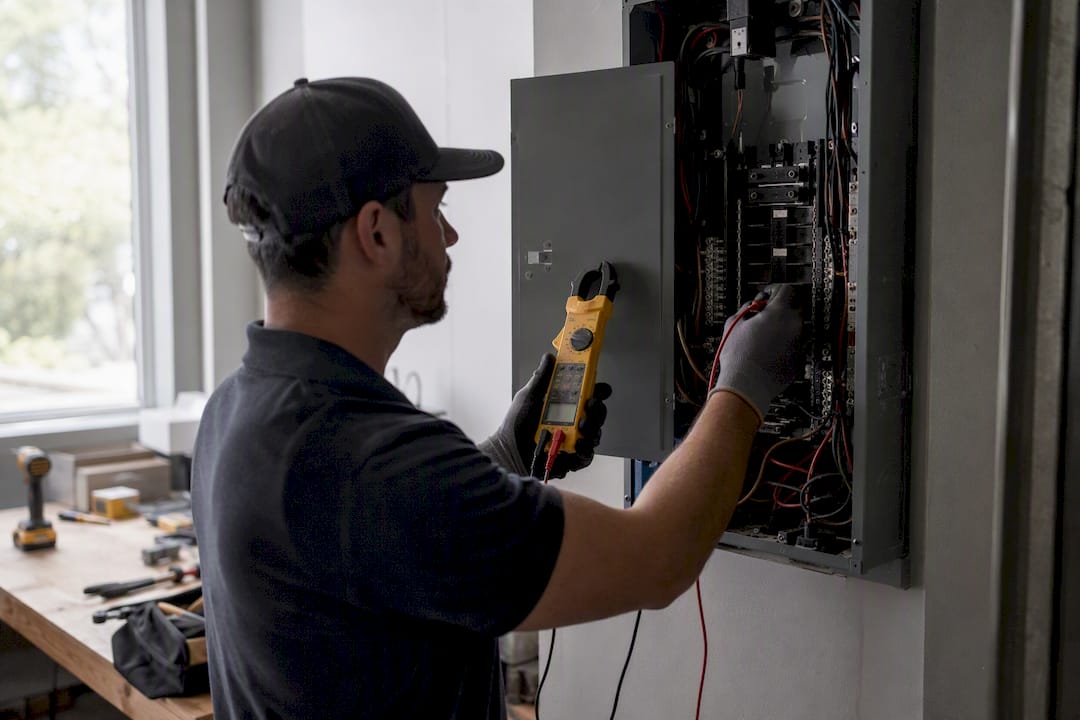
Datasheets tell you what a Powerwall 2 can do in ideal conditions. What San Diego Solar has learned across three decades and thousands of installations is where those numbers meet real houses: roof loading that limits mounting locations, gateway placement that needs clear panel access, and permit timing that varies by jurisdiction even within San Diego County.
Before a site visit, homeowners should have their utility bill, panel specs, and any existing inverter documentation ready. Questions worth asking a prospective installer: who pulls the permit, whether the crew is in-house or subcontracted, and what the retained-capacity warranty guarantee actually states in writing.
- San Diego Solar has run 100% in-house crews since 1996, with zero subcontractors across three decades of installs.
- The company pulled the first commercial solar permit issued in the City of San Diego.
- Retrofit onto an existing Powerwall 2 system usually makes sense when adding backup capacity; full replacement toward Powerwall 3 fits better when continuous power needs have outgrown the original design.
Pro Tip: Bring your most recent 12 months of utility bills to the consultation. That usage history tells an installer more about the right battery configuration than any spec sheet alone.
If you’re weighing a new installation or adding storage to an existing solar system, San Diego Solar’s battery storage service covers Powerwall, Enphase IQ, and Franklin WH options, all designed and installed by the same in-house engineering team from consultation through permitting. For homeowners still deciding whether a battery pencils out against the cost, this breakdown of whether a solar battery is worth it walks through the economics in more depth, particularly under NEM 3.0 rate structures that reward self-consumption over grid export. A free consultation gets you a written project timeline and a load calculation specific to your panel, not a generic estimate.
Why Spec Sheets Alone Don’t Tell the Whole Story
The conventional advice on Powerwall 2 specs treats the datasheet like gospel: 13.5 kWh, 5 kW, done. That’s technically accurate and practically incomplete. The number that actually determines whether a homeowner is happy with their system is the gap between continuous power and apparent power, and almost nobody outside the installer world talks about it.
The specs matter, but the load calculation matters more. A homeowner who reads the datasheet and assumes “5 kW continuous” covers their needs without checking their actual panel draw during a heat wave is setting themselves up for disappointment during the exact outage they bought the system for.
The recall notice is the other piece that deserves more attention than it gets in most spec roundups. It’s not a reason to avoid the Powerwall 2; it’s a reason to check your serial number before treating any installed unit as a passive appliance. Read the number, then get the load calculation right. That’s where the real decision happens.
Frequently Asked Questions
What is the usable capacity of a Tesla Powerwall 2?
The Powerwall 2 provides 13.5 kWh of usable energy storage, drawn from a 14 kWh total pack, with round-trip efficiency near 90%.
Can a Powerwall 2 run central air conditioning?
A single unit’s 5 kW continuous rating often can’t sustain a full-size central AC system alongside other household loads. Homeowners who want AC backed up during outages typically need to stack multiple units or consider Powerwall 3’s higher output.
Is the Tesla Powerwall 2 still a good option in 2026?
Yes, for homeowners focused on essential backup and solar self-consumption rather than whole-home high-power needs. It remains a sound, well-documented choice, especially for retrofitting onto existing solar systems with a compatible inverter already installed.
How many Powerwall 2 units can be installed together?
Most residential systems support stacking up to nine units in parallel, which scales both total capacity and continuous power output for larger backup needs.
Does the Powerwall 2 recall affect all units?
No. The 2026 CPSC recall covers certain Powerwall 2 AC battery power systems specifically. Check your unit’s serial number against the official notice to confirm whether it’s affected and to see recommended owner actions.
Sources
- Powerwall 2 datasheet (Tesla)
- CPSC recall: Tesla recalls Powerwall 2 AC battery power systems (2026)